iPhone 18 Pro restarting on its own: Apple releases iOS 27.0.1, here is what it fixes
The first update to iOS 27, version 27.0.1 fixes the freezes and restarts that hit the iPhone 18 Pro when Face ID fails, a photo defect at 2x zoom and a screen freeze that affected every iPhone. What changes, and what is still unresolved.
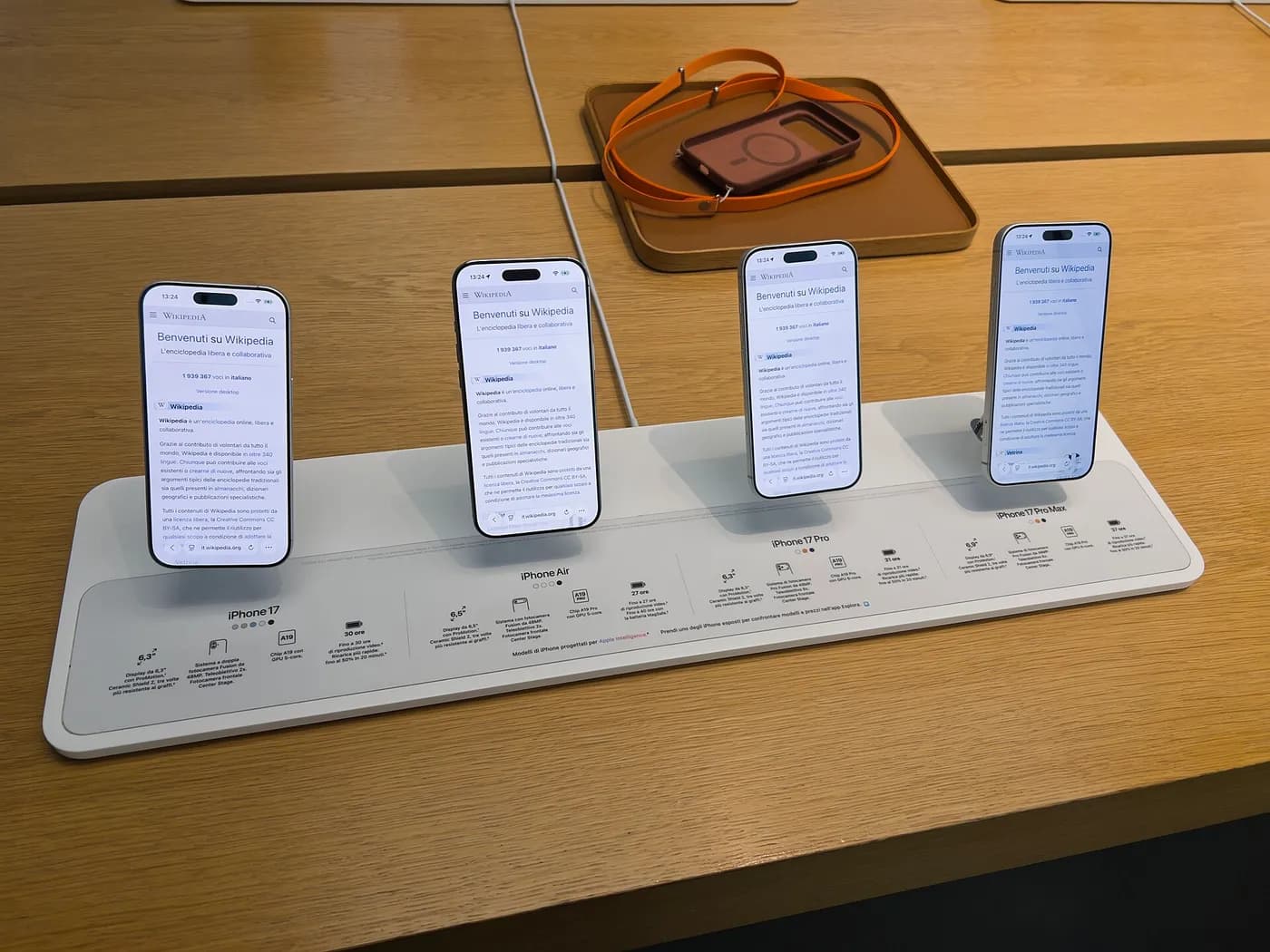
- iOS 27.0.1 fixes the freezes and restarts of the iPhone 18 Pro and Pro Max when Face ID fails.
- The update also fixes a colour defect at 2x zoom and a screen freeze that affected every iPhone running iOS 27.
- On iOS 26, iOS 26.7 closes a flaw that is already being exploited: install it without delay.
- Some US iPhone 18 Pro Max units dropping into “SOS” mode have not been explained yet.
Since their release, some iPhone 18 Pro and 18 Pro Max units have suffered from an irritating defect: the phone froze for a few seconds, then restarted, just as the owner tried to unlock something with their face. On Monday 28 September, Apple released iOS 27.0.1, the first bug-fix update to its new system, to put an end to the problem.
Face ID, the trigger
The scenario described by the specialist site 9to5Mac, and later confirmed by Apple, is always the same. You open an app protected by facial recognition (the Passwords app, a private browsing tab in Safari…), Face ID fails to recognise you the first time, you tap “Try Face ID Again”… and the iPhone locks up before restarting. Some customers even had their device replaced in store, without the defect going away: the problem was in the software.
Apple has not explained the cause. One theory keeps coming up among testers: on the 18 Pro, the infrared camera used by Face ID has left the Dynamic Island and now sits under the screen, to its left. That is what allowed this software “notch” to shrink by a quarter. A hardware change of that scale is often followed by fine-tuning in the weeks after launch.
Two other fixes, one of them for every iPhone
- Photos: on a small number of 18 Pro and 18 Pro Max units, a colour blotch could appear in shots taken at 2x zoom, at the widest aperture (f/1.48) and in certain lighting.
- Frozen screen: opening Notification Centre and Control Centre at the same time could lock the display. The defect affected every iPhone running iOS 27, hence an update offered to all. A forced restart was enough to get out of it, provided you knew how.
- iPad, Mac and the Vision Pro headset also get their 27.0.1 release, described as a bug-fix update, with no detail on what was fixed. Apple lists no security flaw fixed in this series.
iOS 27 is available from the iPhone 11, released in 2019, onwards: a seven-year-old phone therefore still gets this fix. To install it, go to Settings, then General, then Software Update. The phone restarts during the process. It is best to run it on Wi-Fi with a well-charged battery, so as not to eat into your mobile data plan.
Still on iOS 26? Update anyway
Those who chose to stay on iOS 26 have not been forgotten: the update screen offers them iOS 26.7 instead, a release that brings only security fixes to the iPhone 17 and older models. TechCrunch and Innovation Village report that it closes a flaw already exploited by attackers. This is the update not to put off. To move straight to iOS 27, just tap the iOS 27.0.1 banner shown on the same screen.
One issue, however, remains unanswered. In the United States, owners of the iPhone 18 Pro Max on the AT&T network are seeing their phone switch to “SOS” mode: no more calls or mobile data, only Wi-Fi works. The US version uses a Qualcomm Snapdragon X80 modem, while the other versions carry the C2 modem designed by Apple. Neither Apple nor the carrier has yet explained the fault, and the iOS 27.0.1 release notes say nothing about it.
The smartwatch went through the same thing the week before: watchOS 27.0.1 put an end to random restarts on the Apple Watch Series 12 and Ultra 4. These are classic teething problems for brand-new devices and a brand-new system, which Apple is, for now, fixing within days.
- iOS 27.0.1 : Apple corrige les problèmes gênants de redémarrage et de blocage de l’iPhone 18 Pro, ZDNet France.
- Apple’s iOS 27.0.1 update arrives with fixes for Face ID and touchscreen issues, Engadget.
- iPhone 18 Pro Max : un message “SOS” rend certains smartphones inutilisables, 01net.
- Still running iOS 26? Update your iPhones, iPads and Macs for this urgent security fix, TechCrunch.
- Test iPhone 18 Pro : l’iPhone le moins excitant de la décennie, Clubic.
Spotted an error? Write to infos@novotech.blog. Corrections are flagged at the end of the article.